After using a few keyboards over the years, that’s including buying/testing at stores/borrowing from a friend, etc. I felt that I can never go back to use a regular keyboard (except at work). I reached the conclusion that I want to build my own custom keyboard. And so I did
I got an Anne Pro laying around, so I reused its PCB and battery, the parts that I bought are below:
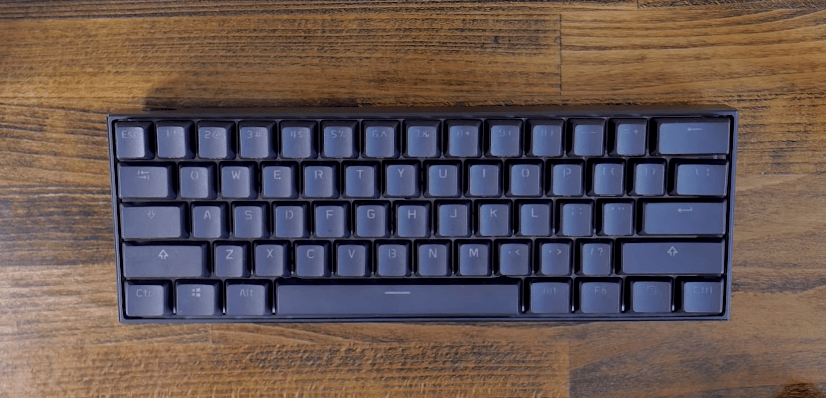
I began the disassembly process by removing the original keycaps on the Anne Pro, here’s how it looks originally:
And after removing keycaps:
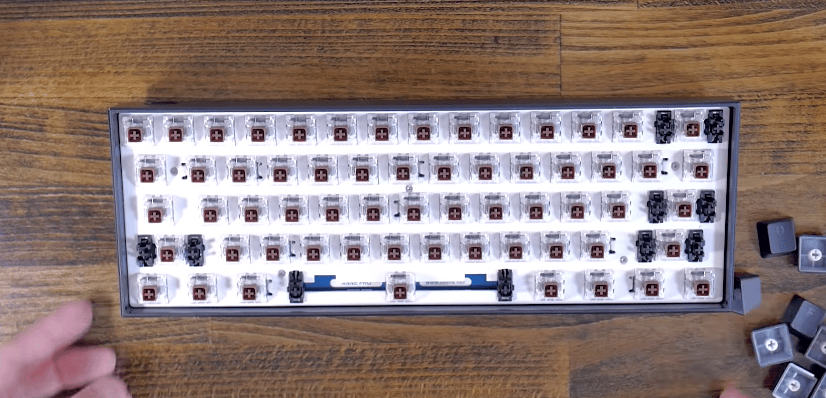
You will see 5 screws look like this one, so unscrew all of them:
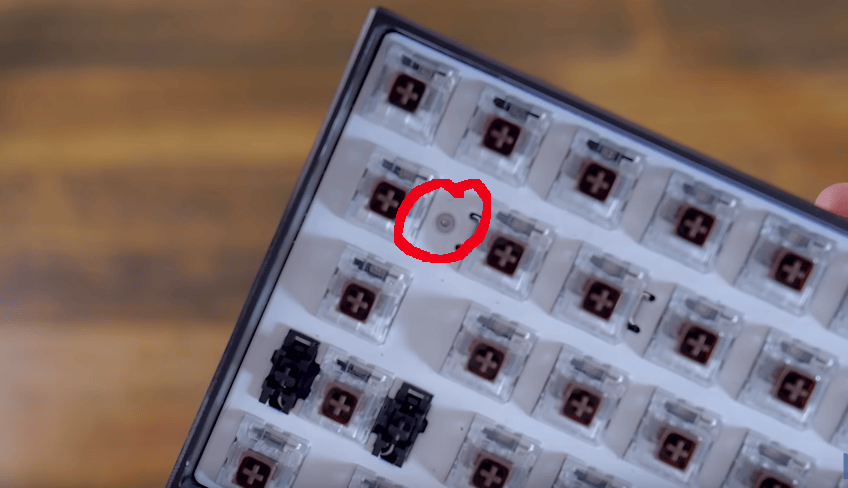
Then you should be able to remove the PCB. Here’s how the back of the PCB looks like:
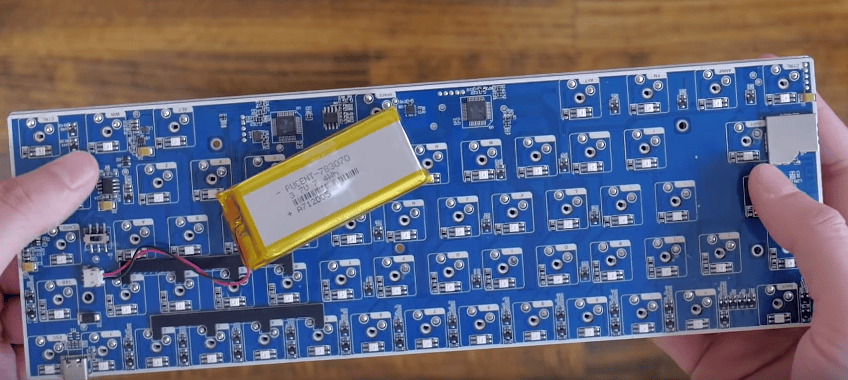
You can see that the keyboard comes with a battery (yellow). This battery is for Bluetooth functionality. The keyboard works completely fine without it, but you have to connect it to your computer by USB cable at all time, and can’t use Bluetooth.
I wanted to use this wooden case, but the downside is that the battery does not fit the case. Therefore, I have to remove the battery, by removing this connector:
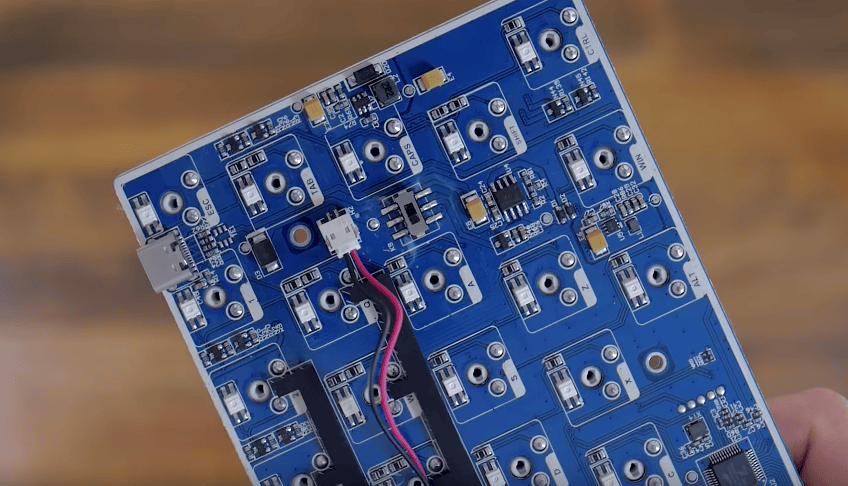
After removing the battery, the PCB should fit the wooden case perfectly:
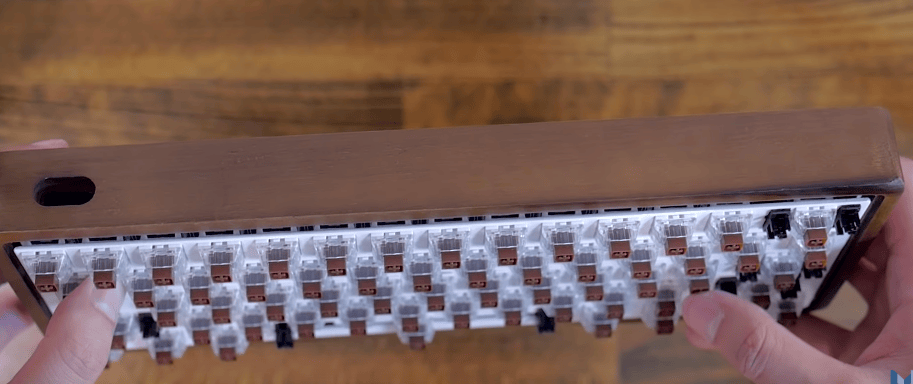
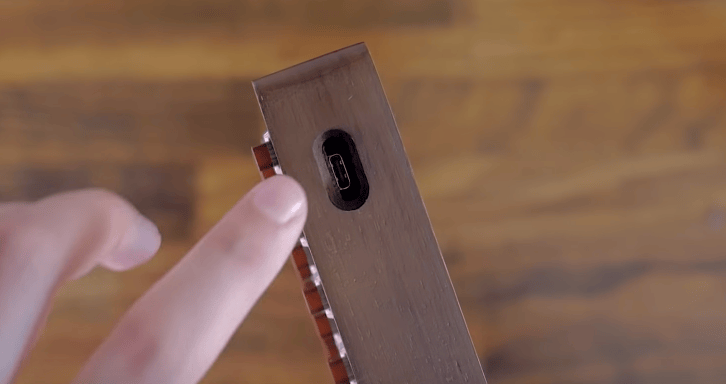
Remember to align the USB port:
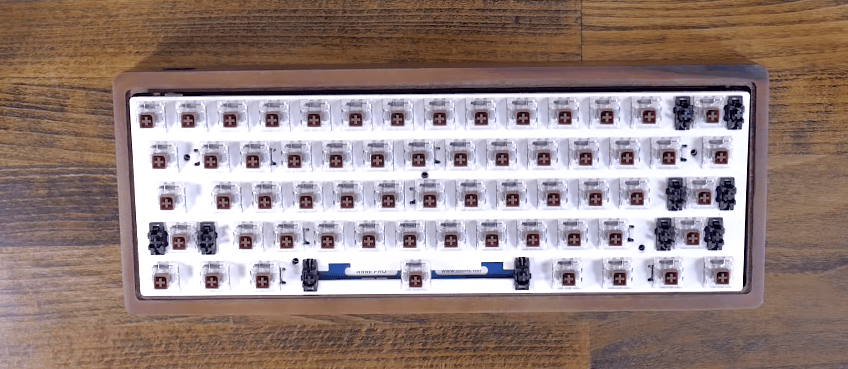
Then, you can use the screws that comes with the wooden case to tighten up the PCB. Remember there are 5 screws in total. The PCB should be flushed within the case. Here’s how it looks if it’s done correctly:
Then, I begin installing the new keycaps. They are PBT double-shot keycaps. Texts are very nice and they feel very solid.
Here’s my finished product:
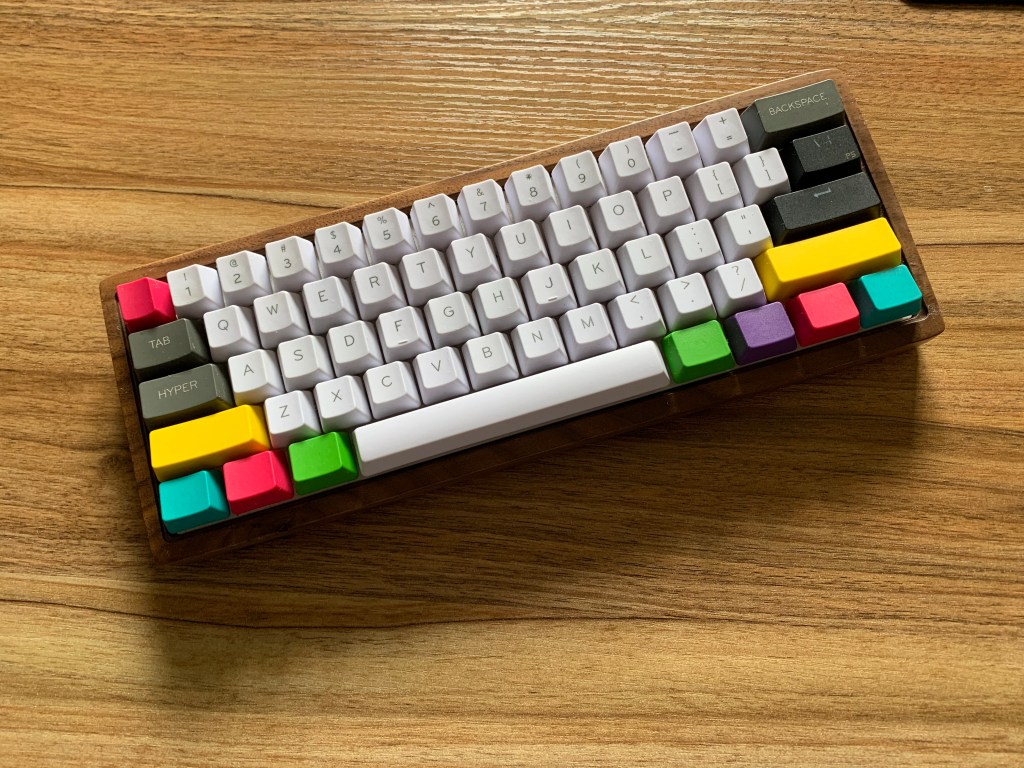
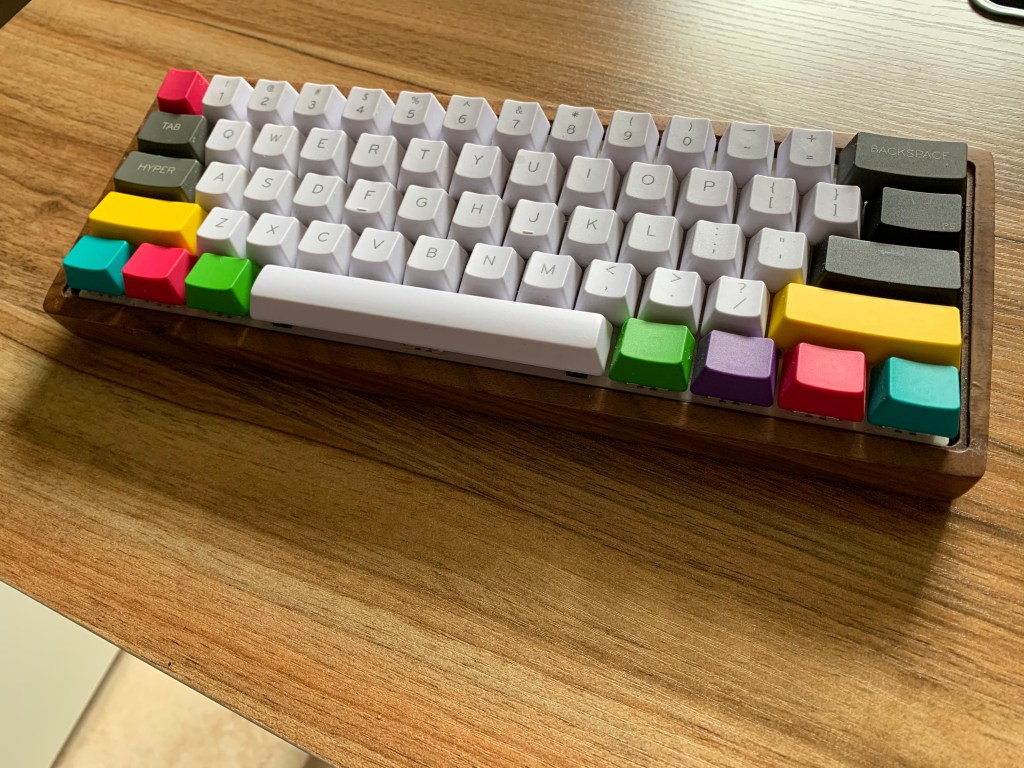
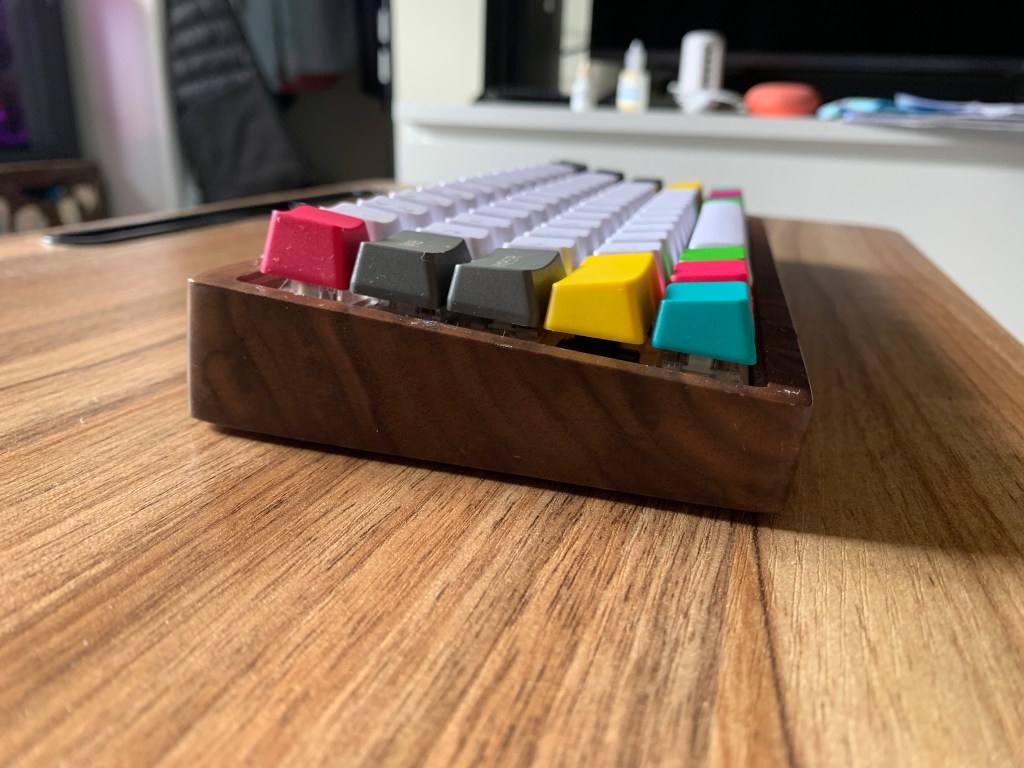
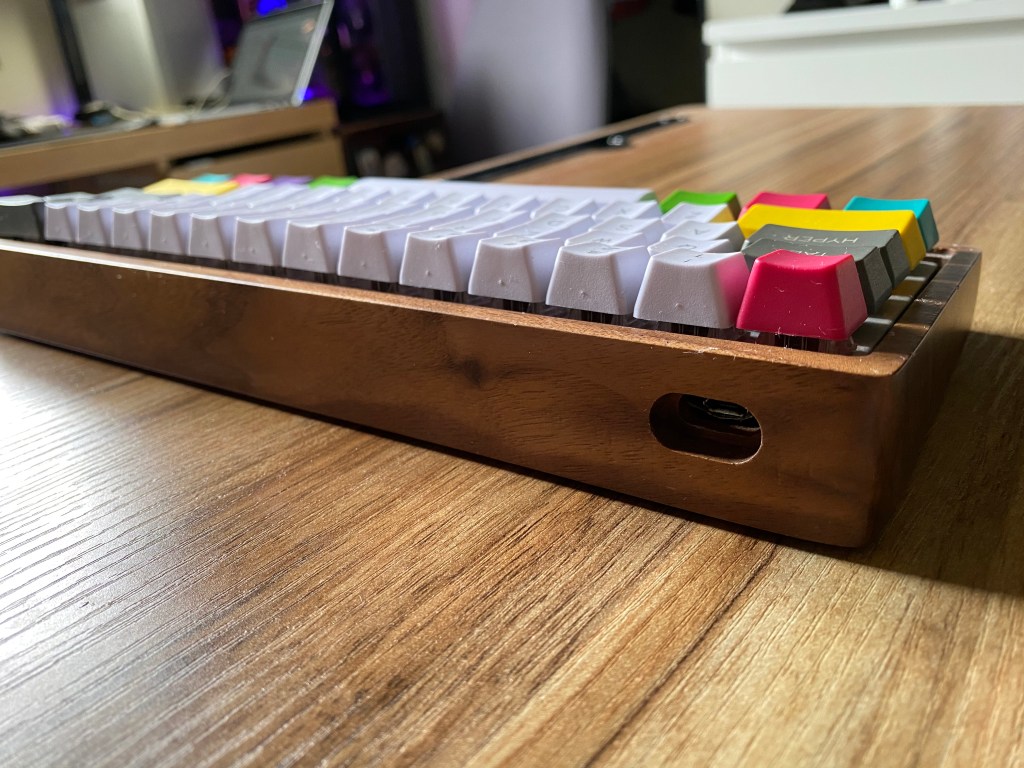
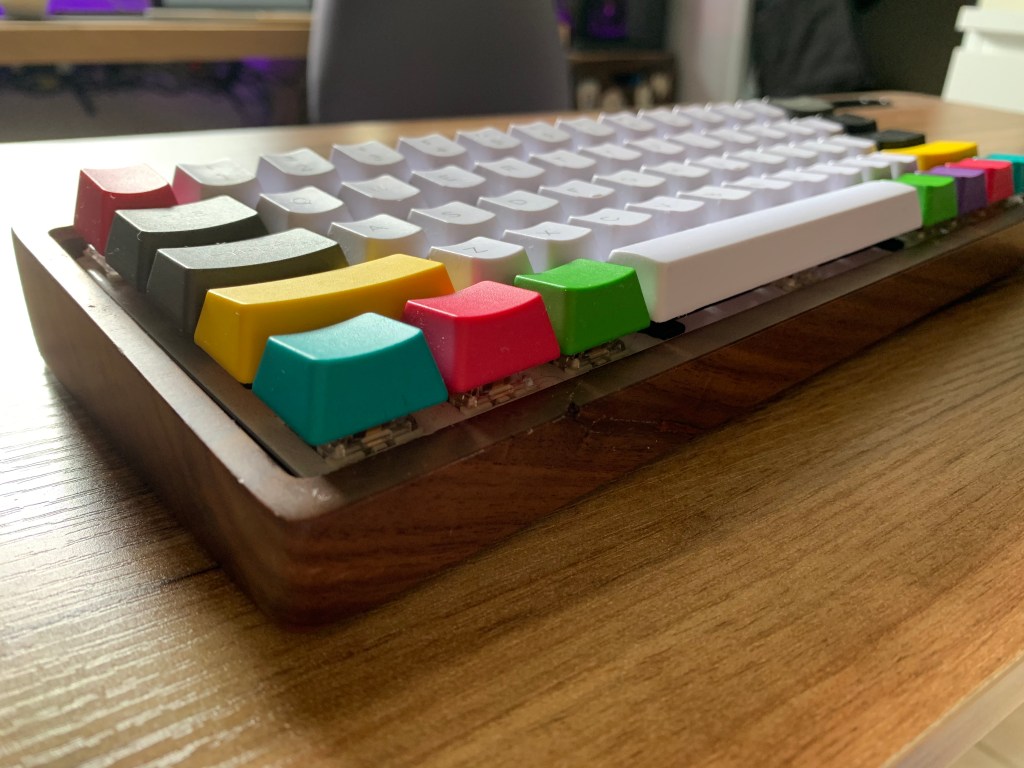
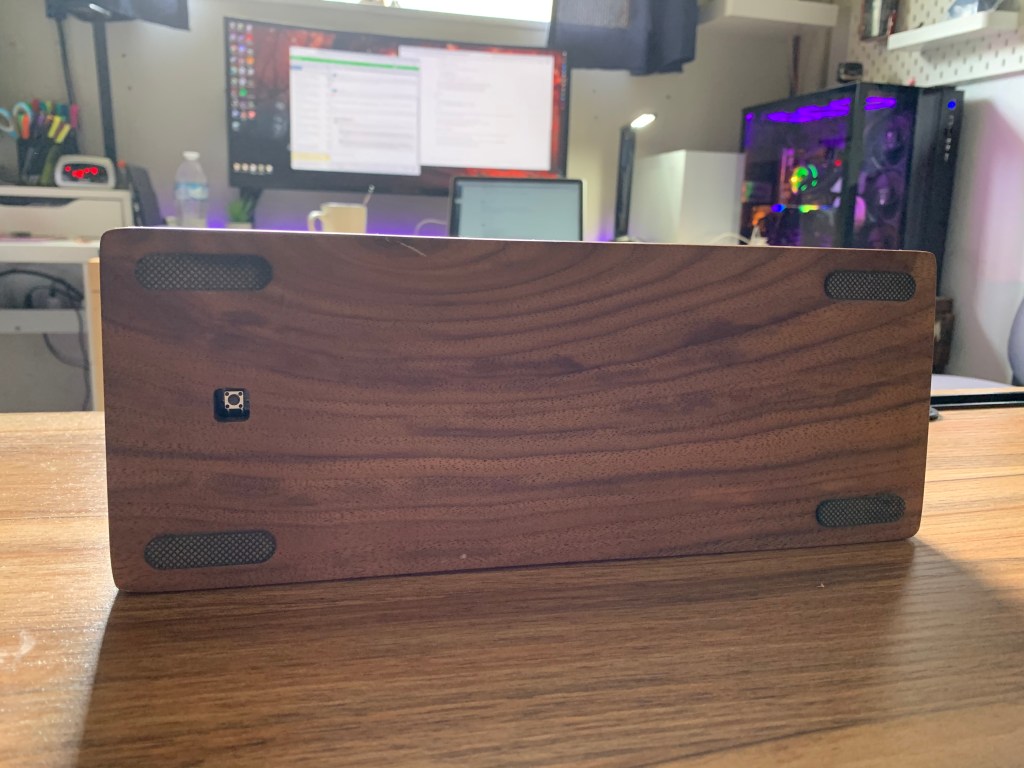
In the last picture you can see that the case has a cutout hole for the RESET button
This button is will not function if you remove the battery.

